 |
| ||||||||

I changed a supplier's name, but the old supplier name still appears in the catalog search results.
To correct the supplier name in the catalog search, reload the catalog in Catalog Manager > Catalogs for any supplier whose name you changed. Remember to re-index the catalog after reloading the file.
When you load a catalog, the catalog data is associated with the current supplier name. This is not updated automatically when you change the supplier name.
The following example shows a supplier name change from "JCN Technologies" to "Repro Technologies." This includes information related to the catalog data container and catalog search page.
After changing the supplier name, but before reloading the catalog:
<catalogname>JCNTechnologies</catalogname><sn>JCN Technologies</sn><ky>sid496|AD4BNC13</ky>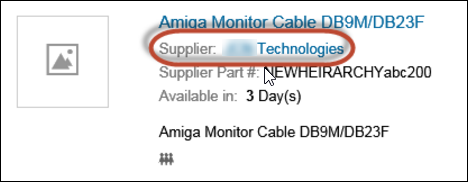
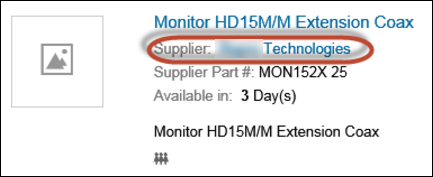
After reloading the catalog:
<catalogname>JCNTechnologies</catalogname><sn>Repro Technologies</sn><ky>sid496|AD4BNC13</ky>
Catalog Management > Catalog Publishing
Purchasing > Services Procurement