How Carriers Can Get Support on SAP Business Network for Logistics
If you created your account by 31st May 2024 then please follow instructions in the Getting Support section of the "Frequently Asked Questions" page.
Before project go-live:
SAP will assign specialist to support you through the onboarding journey. Please check with the onboarding specialist for any queries.
In the scenarios a ticket is needed, the specialist will guide you to log a ticket in order to get further support from SAP technical team.
Example scenarios where a ticket is needed:
•Error encountered during registration
•Email received mentioning registration failed
•Not able to maintain company profile due to error
•Not able to manage users due to error
After project go-live:
The onboarding specialist completed the tasks and will no longer be available.
Please always log a ticket to get support.
Frequently asked questions
How to access Help Center:
You can access SAP Help portal in two ways:
Option 1:
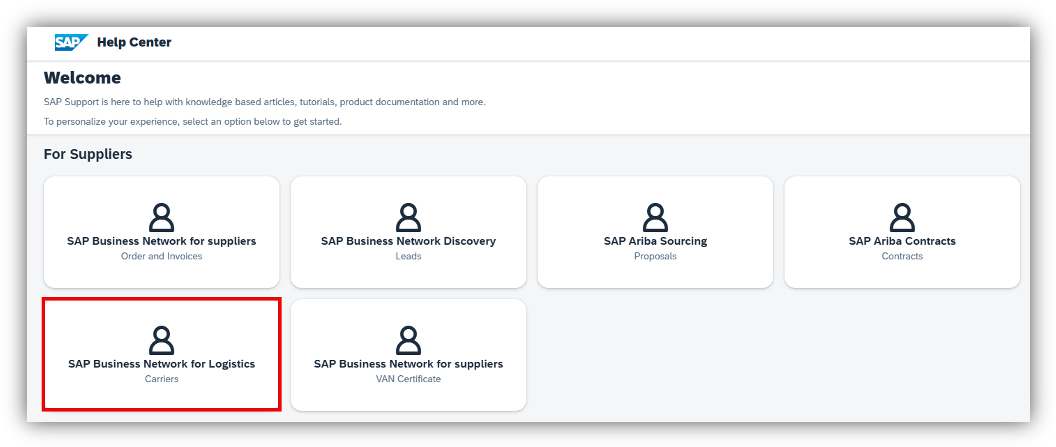
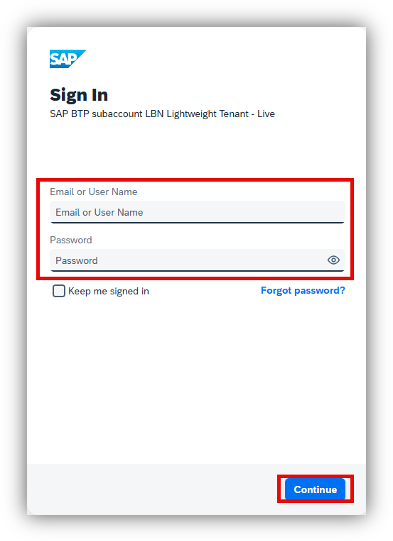
Directly access URL https://support.ariba.com/Help_Center/Login, and click on “SAP Business Network for Logistics”.
Option 2:
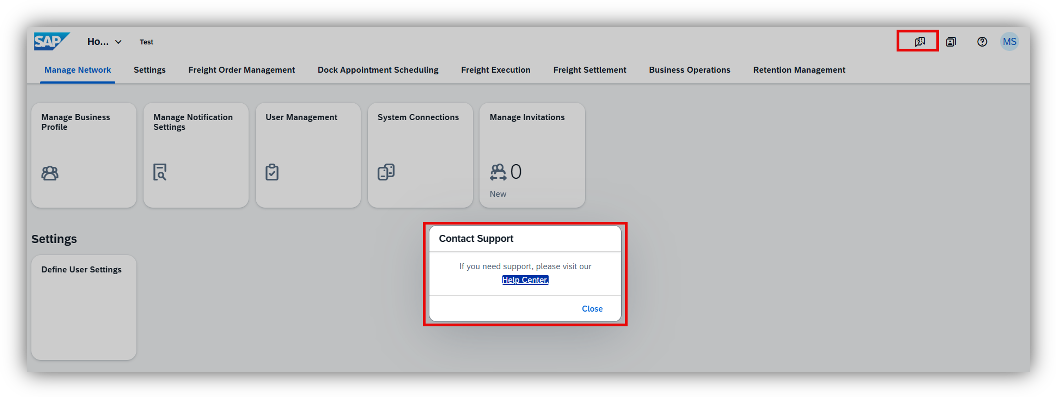
Log in to your BN4L account, click on the “Raise Incident” button on top right corner, then click on Help Center hyperlink in the pop-up window.
Log in URLs: (EU or US data center)
How to log a ticket:
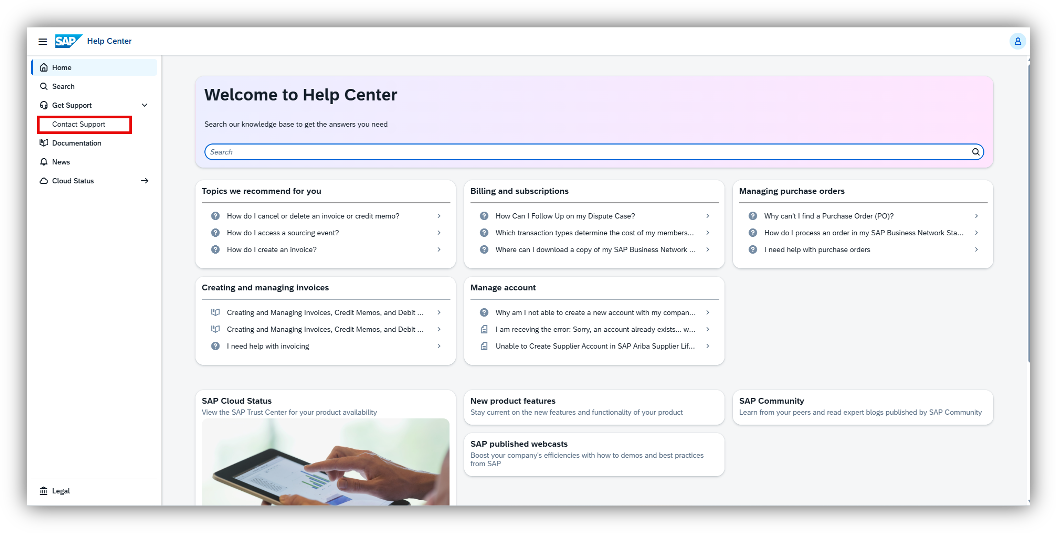
- Click Contact Support
- Search for a solution. Click Next
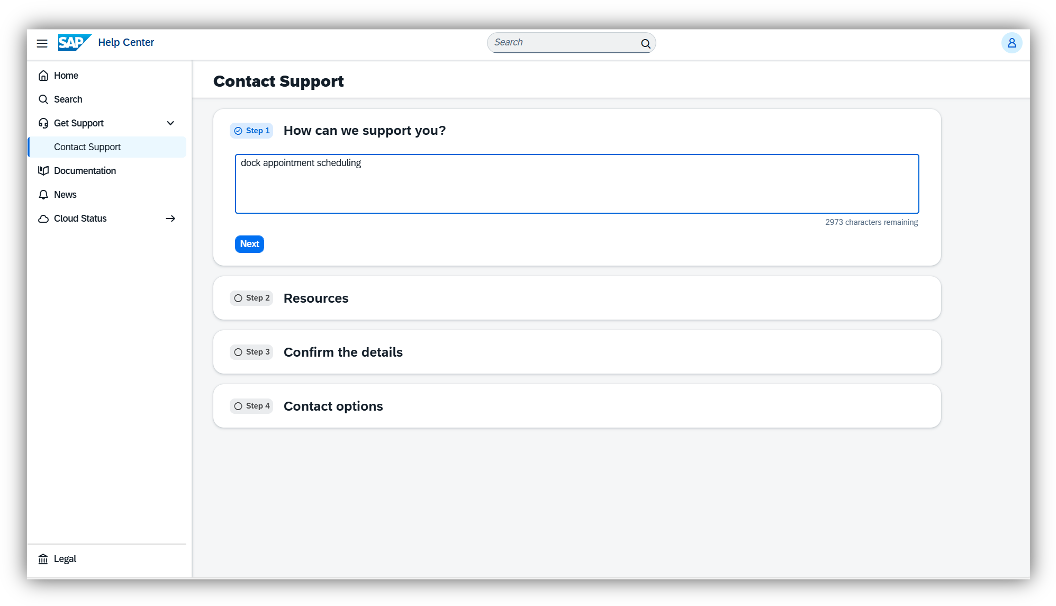
- Review the available Knowledge Documents. If you do not see one that addresses your issue, click next
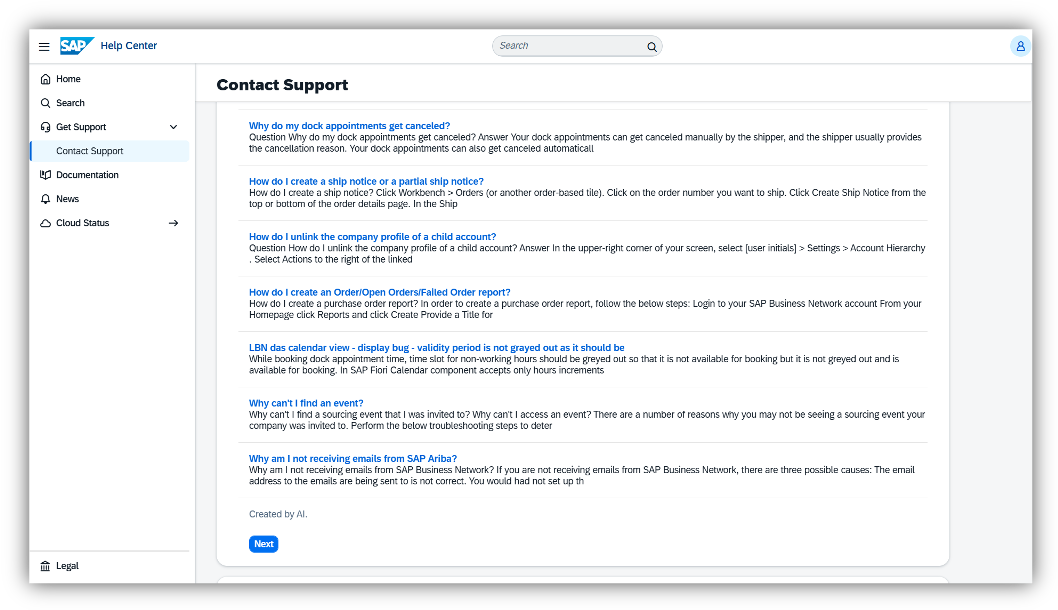
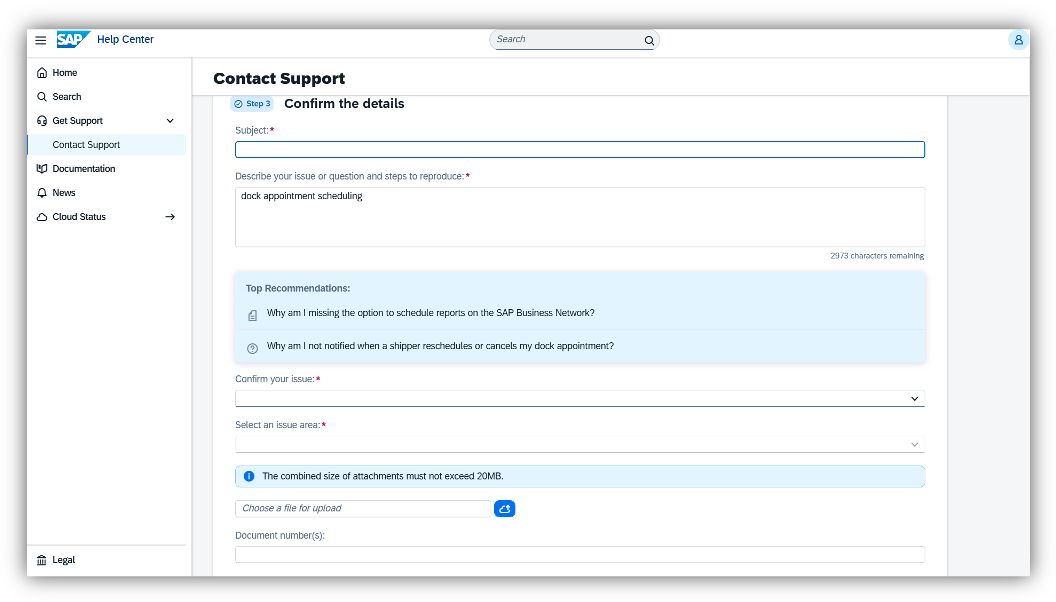
- Fill out the required information. Click Next
- Select “Webform” and fil out the required contact information fields. Click Submit
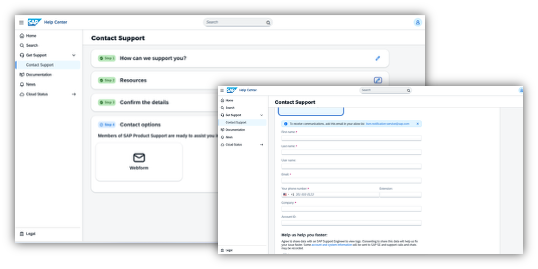
Following these steps should help carriers get the support they need for SAP Business Network for Logistics.
Go back to main page

