| |||||||||
![]() |
SAP Business Network (SBN) Supplier Modular Learning Series |
![]() |
|
|
The SAP Business Network Supplier (Trading Partner) Modular Learning Series provides information in consumable formats that can be accessed at any time. Whether you are wanting a refresher or are a New Hire there is a module for you. Currently, we are in a Development Phase and the only content available in Module 1 - What is the SAP Business Network. |
|||
![]() |
![]() |
![]() |
|
||
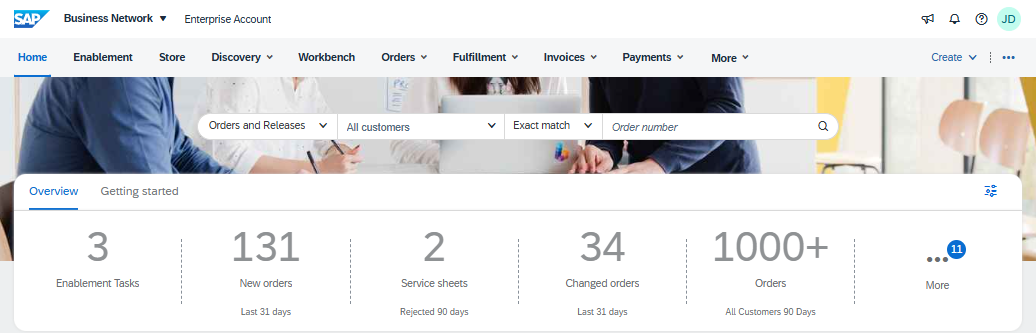
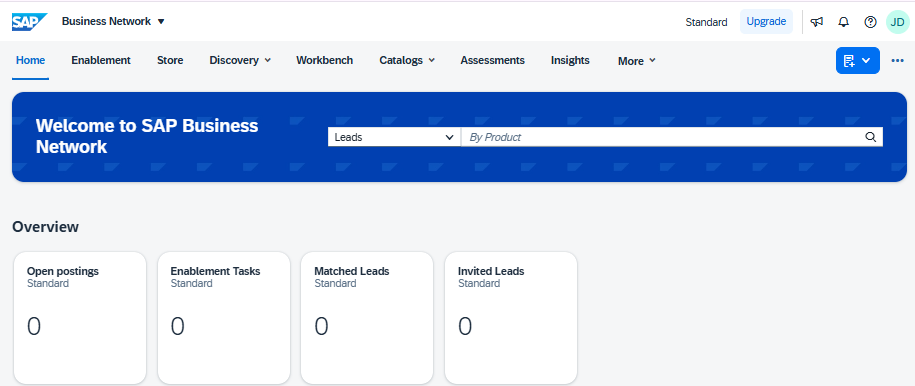
| * Understand basic processes such as Signing in, username and Password issues * Working with the Workbench and Widgets * Account information including difference between a Standard & Enterprise account (including the costs associated with the account type * Accessing the Help Centre and updating Time Zone and Currency |
* What is a Purchase Order (PO) and their Status * Header and Line Item Information * Purchase Order Flow, using the Track Order function (where available) * Purchase Order Types |
* The Company Profile allows SAP Business Network Supplier to be found * Updating the profile * Using the company profile to expand your reach |
|||
![]() |
![]() |
Module 5 - Invoicing - The way to be paid
|
![]() |
|
|
| * Promote is a paid subscription to expand your business opportunities * Your company profile is the key to being found * promote allows Buyers to search for other trading partners by verifying the customer and allowing your business to appear in the list in a prime position |
UNDER CONSTRUCTION - This section will include invoicing for materials and services |
* Provides information on accessing the Help Centre and completing the company profile |
|||
![]() |
![]() |
Module 8 - |
![]() |
Guided Integration Resources for Suppliers
|
|
| * Provides Suppliers information on responding to Sourcing events * Remember that the way Buyer set up Sourcing and they way they use is is specific to the |
* The Purpose, use and identification of different Catalog Types * More information about Static, Punchout, Customer and Network Catalogs * Uploading a Catalog and General Information |
* Guided Integration 1 Pager * Introduction to Guided (Self-Service) Integration * Compatibility Dashboard * Integration Tool Playlist |
|||